Generate unlimited voiceovers offline

Vois Studio

Vois Studio
Script to final file timeline
Local generations
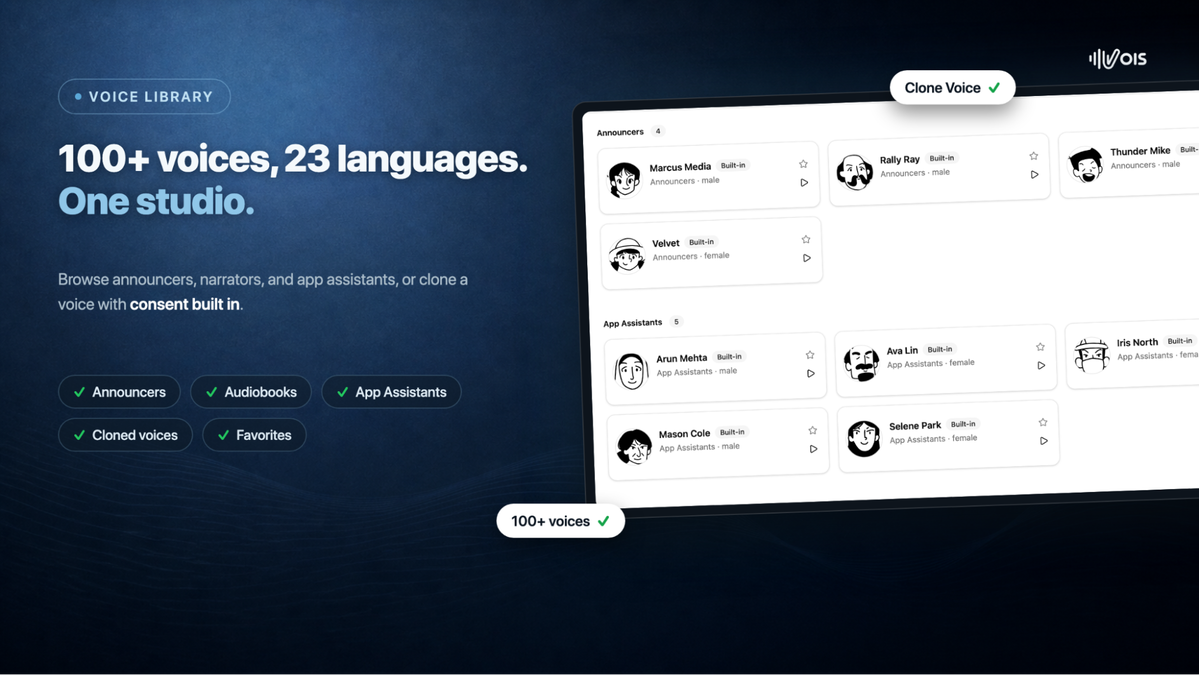
Voice library
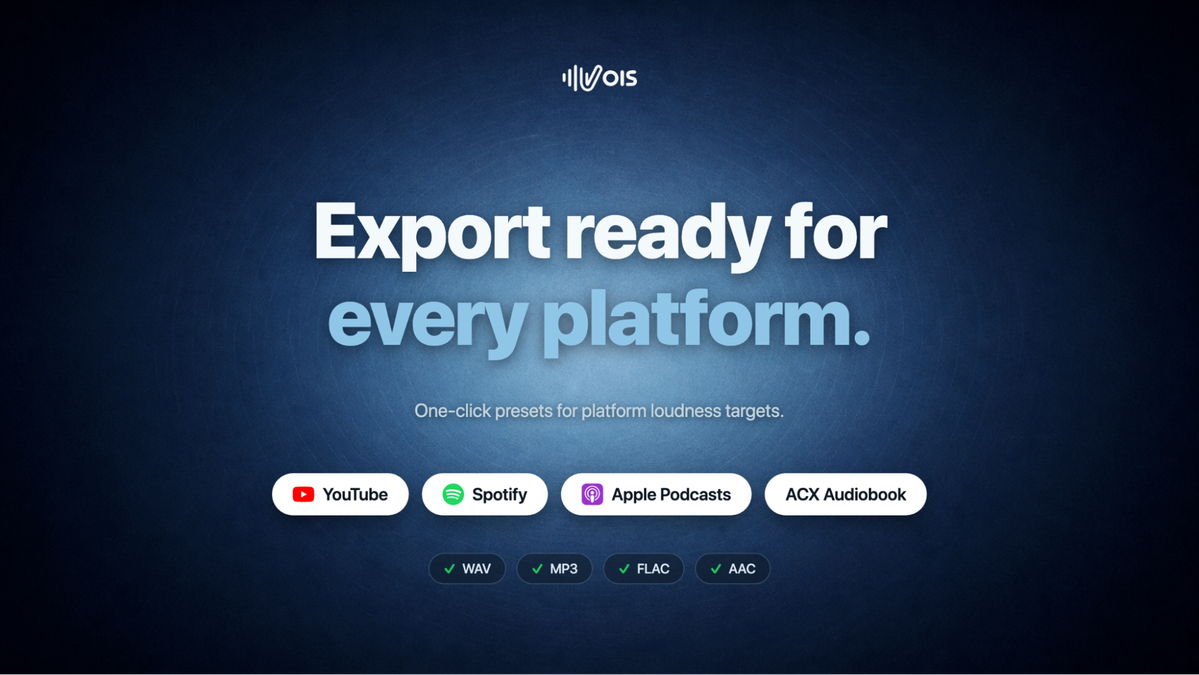
Exporting options

Vois Studio

-69%$59
$192
  • Lifetime access
  • Refundable up to 60 days
  • Plus members are covered by our We Got Your Back guarantee

AppSumo Launchpad

Chosen by AppSumo for their potential and innovation

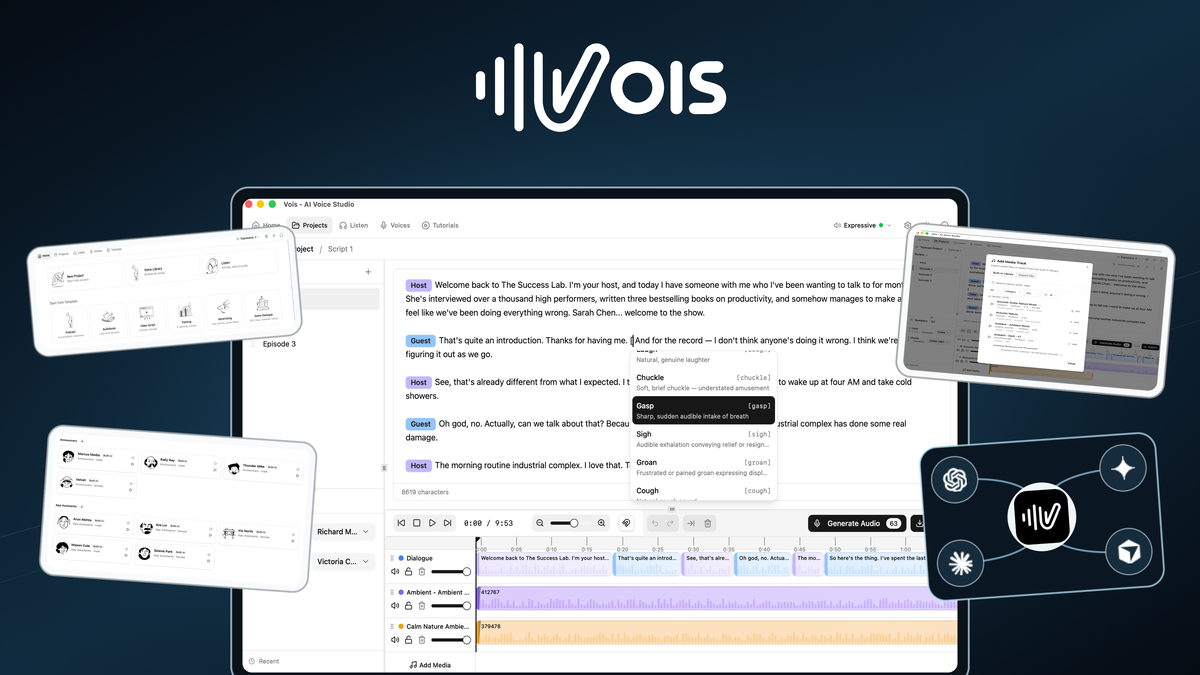
Making voiceover content shouldn't cost more every time you change a word. Luckily, Vois Studio runs locally on your Mac or PC and gives you access to 100+ voices across 23 languages without a meter limit.

TL;DR

  • checkmarkBuild unlimited offline voiceovers with 100+ voices, a multi-track timeline, and one-click mastering
  • checkmarkExport audio using presets for YouTube, Spotify and Apple Podcasts, plus an ACX technical-audio preset (publishing policies still apply)

At-a-glance

vois.so

Alternative to

Speechelo

Integrations

Google Gemini, Claude, ChatGPT, Cursor

Best for

Authors, Course creators, Podcasters

Record, master, and export unlimited AI voiceovers locally with 100+ voices, multi-speaker scripts, and platform presets

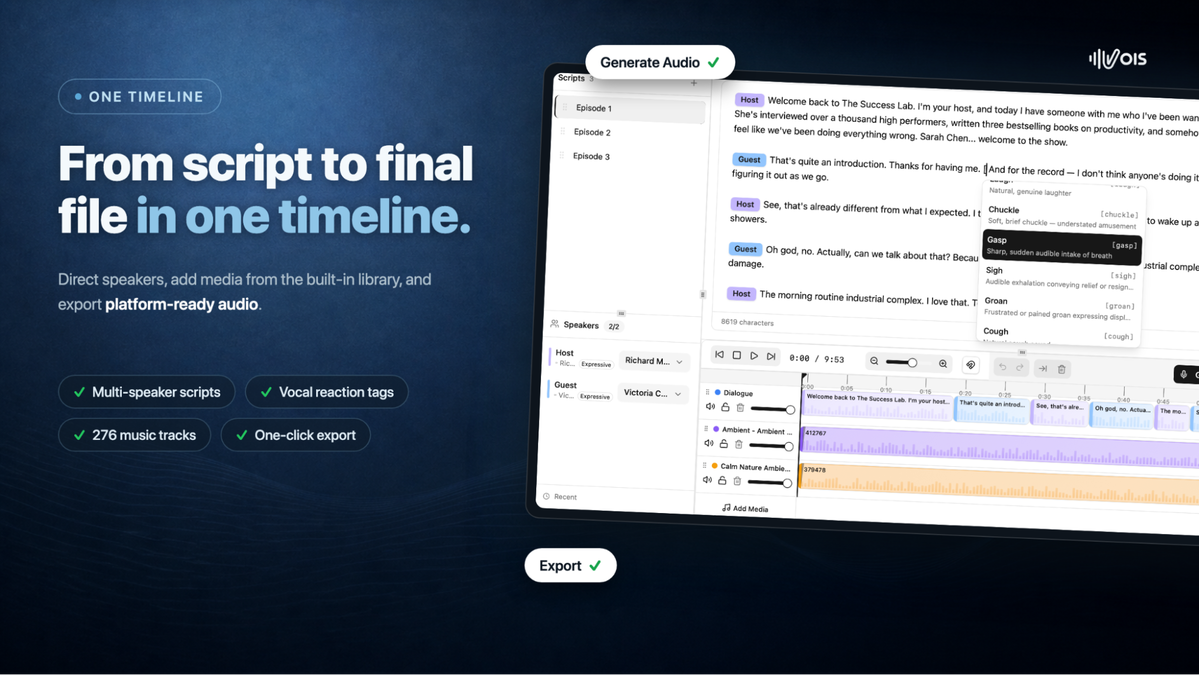
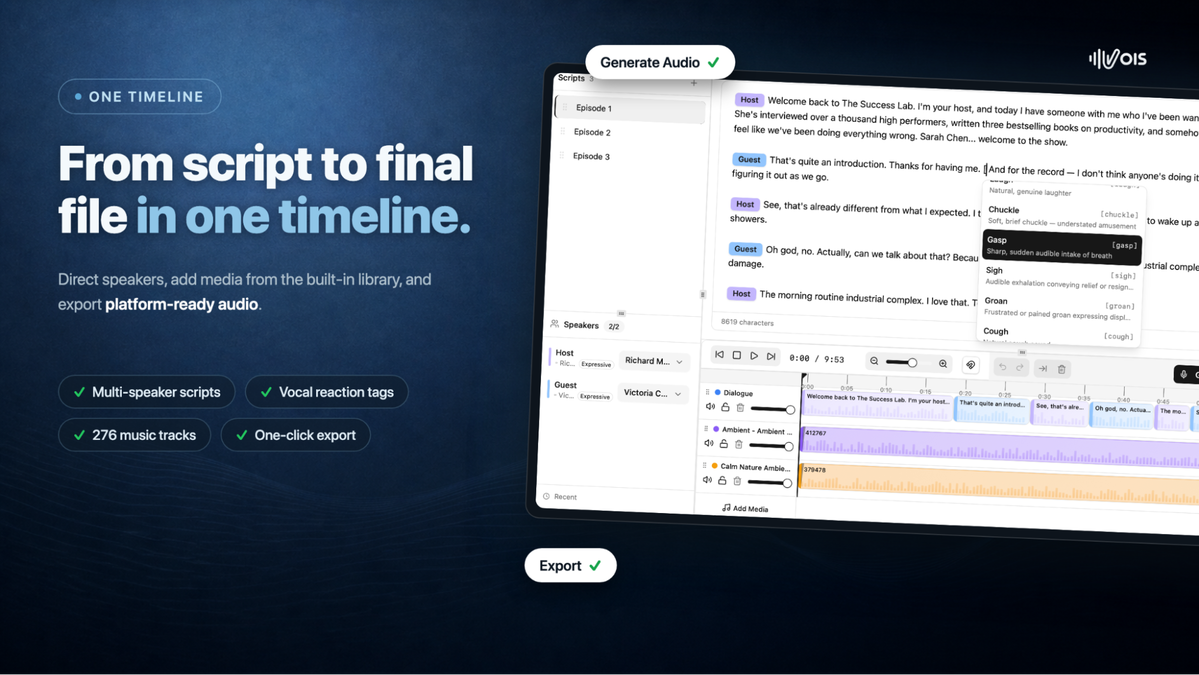
Script, cast, and mix in one timeline

  • Write multi-speaker scripts and assign a voice to each character using built-in speaker tags
  • Direct the performance with inline vocal tags like [laugh], [sigh], and [gasp]—the voice performs the sound instead of reading the word
  • Add music and sound effects from a built-in library of 500+ royalty-free tracks, including 276 music tracks and SFX on their own timeline tracks
  • Master your audio with LUFS normalization, de-essing, and limiting built directly into the studio
Script, cast, and mix in one timeline

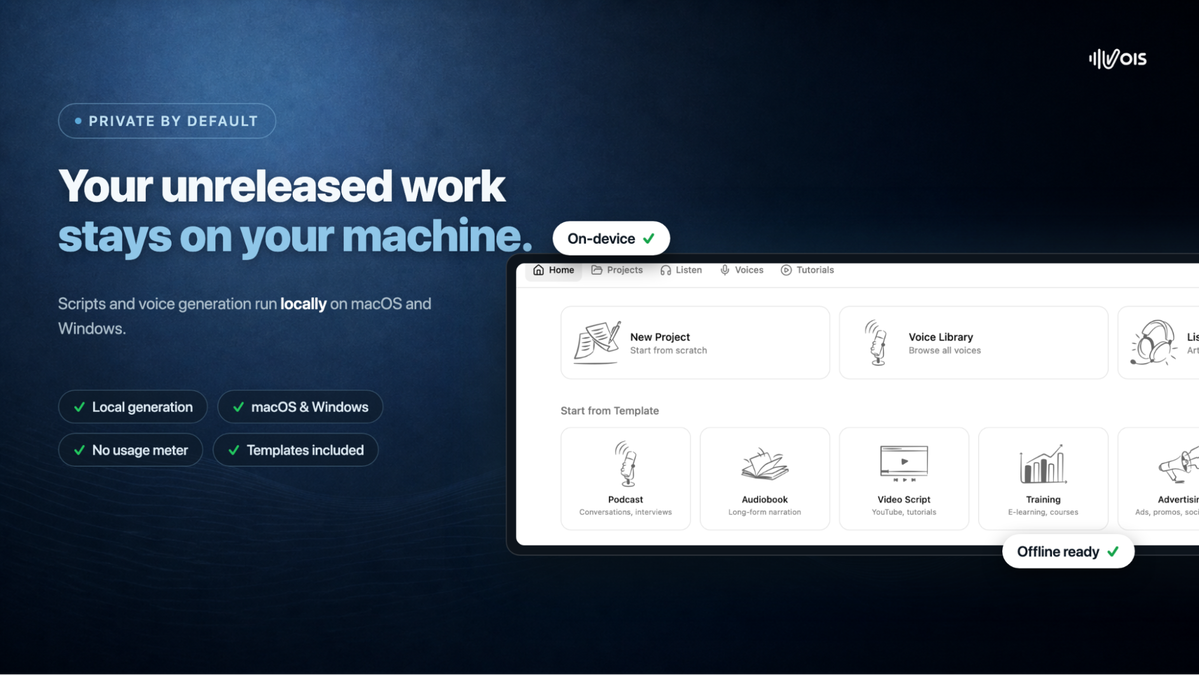
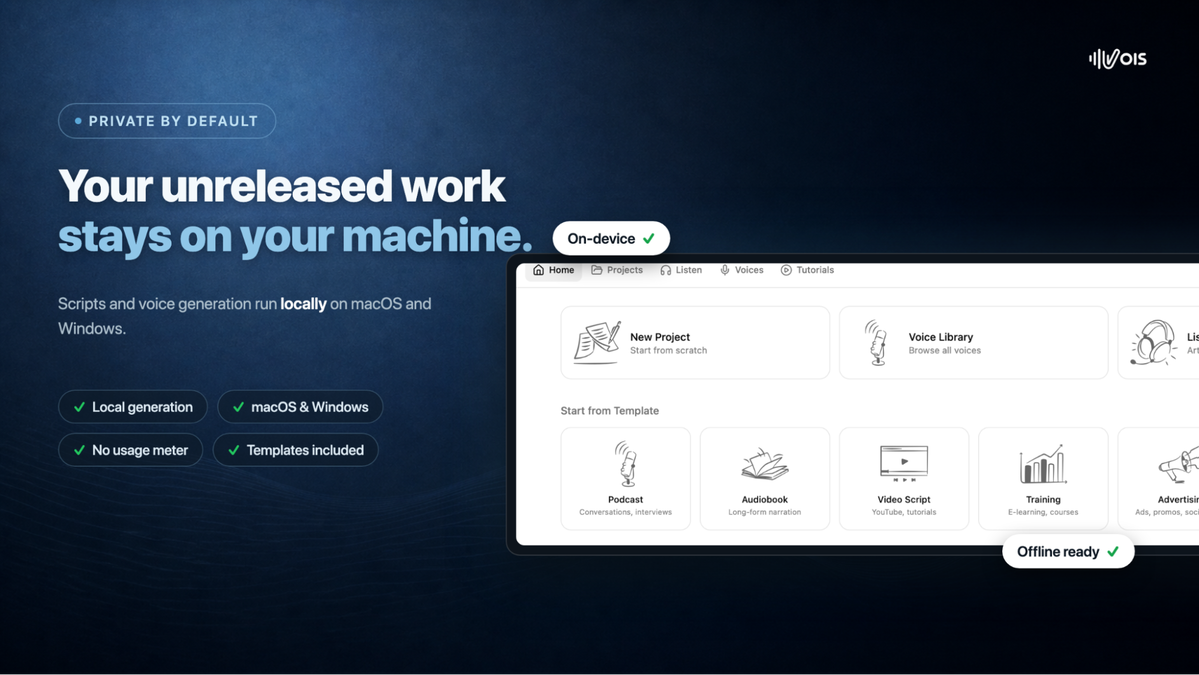
Run it locally, keep it private

  • Generate voiceovers directly on your Mac or Windows machine without any cloud processing or uploads
  • Keep unreleased scripts and audio on your device so sensitive work never leaves your desk
  • Work anywhere and produce voiceovers without an active internet connection once models are downloaded
Run it locally, keep it private

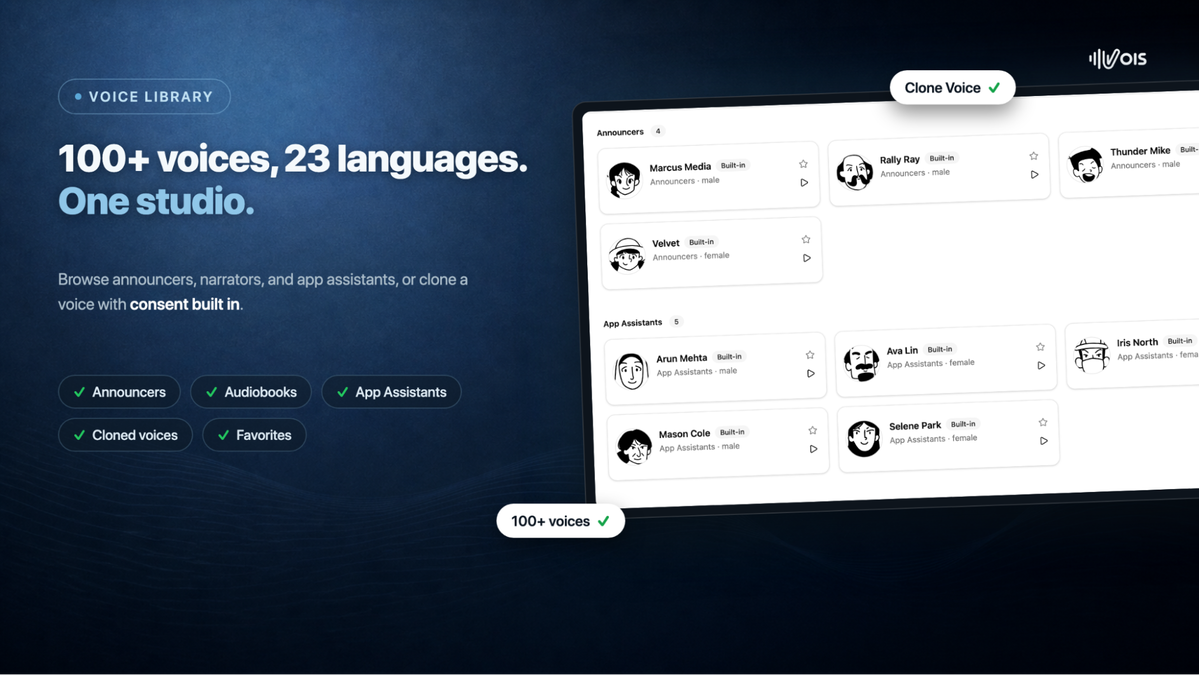
Voice your videos with 100+ local voices

  • Choose from 100+ voices across 21 categories, like announcers, narrators, audiobook readers, and app assistants
  • Switch languages mid-project with multilingual support across 23 languages, so you can feature the same voice without recasting
Voice your videos with 100+ local voices

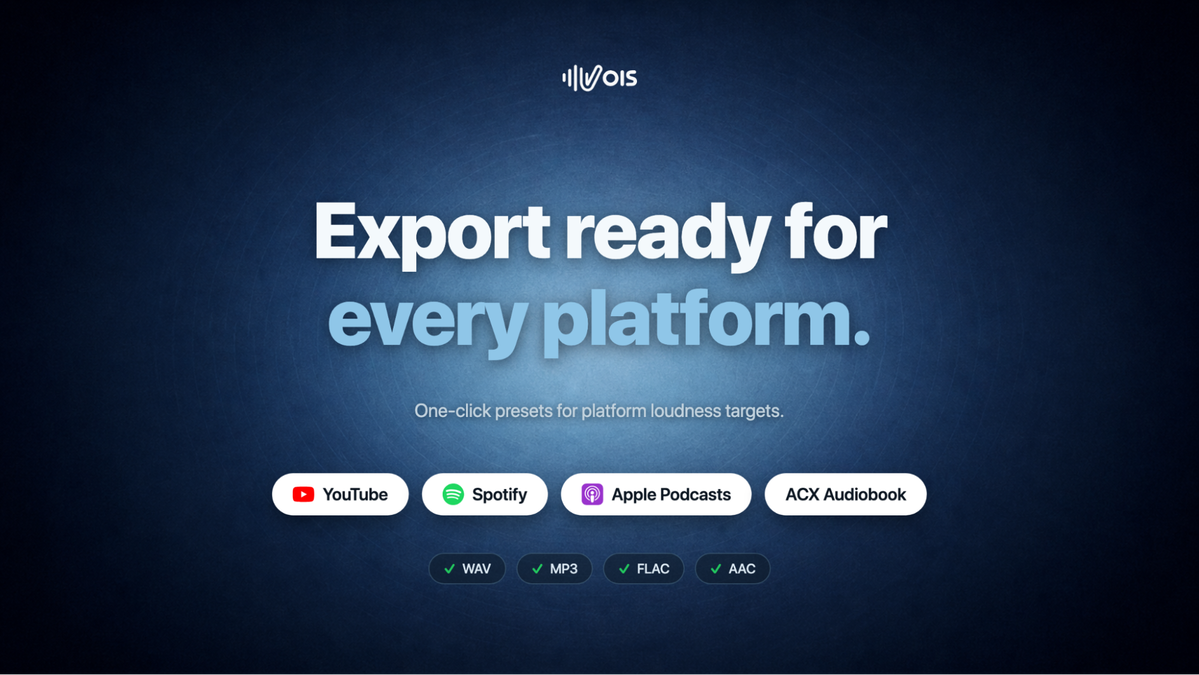
Export ready for every platform

  • Hit the exact loudness target for YouTube, Spotify, Apple Podcasts, and more with one-click export presets built to platform spec
  • Organize full projects chapter by chapter and re-render any section without starting the whole thing over
  • Reuse export settings across projects, then check the finished audio against your destination's current requirements
Export ready for every platform

Choose the plan that’s right for you

Feel secure in your purchase with AppSumo's 60 day money-back guarantee.

Recommended badgeRecommended
Refundable up to 60 days
Plus members are covered by our
We Got Your Back guarantee
Deal terms & conditions
Vois Studio
See Vois Studio
Founded December 8, 2025
🇦🇺Melbourne, Australia
1-10
Startup
Bootstrapped
Verified by PandaDoc

New tutorial: Vois Studio, 6 engines in 1 project

We published a 21-minute walkthrough of Vois Studio 2.6: https://youtu.be/eshwG4TS_mA

Two characters make one podcast episode, from the first script to the export. The video shows which engine to use for each task: Sonic, Fast, Expressive, Multilingual, Craft or Omni. It also shows how to write a script that is easy to hear, reaction tags, style directions and Voice Design. Then a voice sings with music, and you see takes, locked lines, the timeline and the export profiles. Each chapter has a time in the description. Click a time to go to that part.

The video also has audio and subtitles in Spanish, Portuguese, German, French, Hindi and Japanese. In the YouTube player, click Settings > Audio track.

Some steps use functions that are not in all plans. To see your plan, open Settings > License in Vois Studio.

Questions & reviews

AskSumo

Customers appreciate Vois Studio, praising its unlimited offline text-to-speech capabilities, the impressive selection of over 112 voices, and the ease of mastering audio with platform presets. While some users noted minor issues like occasional audio artifacts and challenges with multi-speaker setups, these are being actively addressed through regular updates. Overall, Vois Studio is hitting the mark and is a solid buy for anyone looking to create high-quality voiceovers. With a seven-day free trial, it’s worth giving it a try!

AI-powered summary of customer reviews